
SHAREit
SHAREit is a free Windows app from the SHAREit Team for moving photos, videos and documents between a PC and a phone. The current version is 5.1.0.7.
22.7 MB

4K Video Downloader Plus is a Windows program from Open Media for saving online videos, playlists and audio for offline use, with a free mode and paid licences.
Average 0.0 · ratings: 0
Thank you! Your rating is saved; you can change it. Could not save the rating. Please try again later. Too many ratings from your network today. Please try again tomorrow. The average appears after 5 ratings.
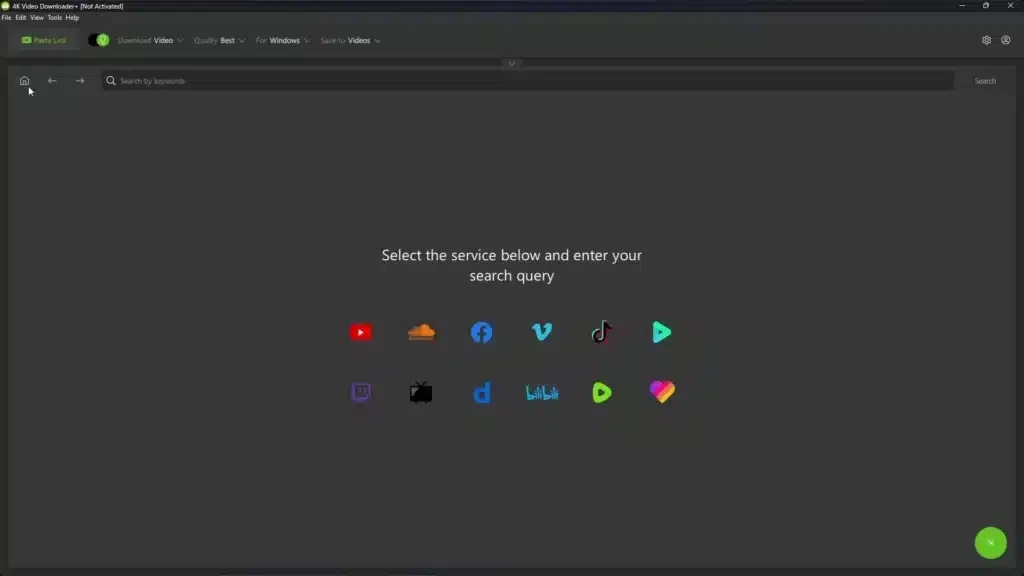
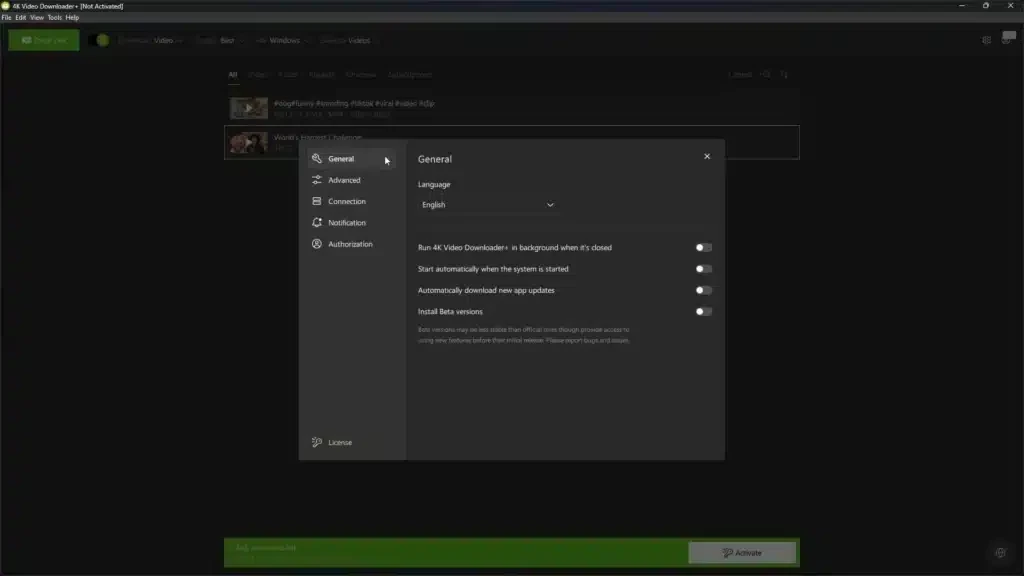
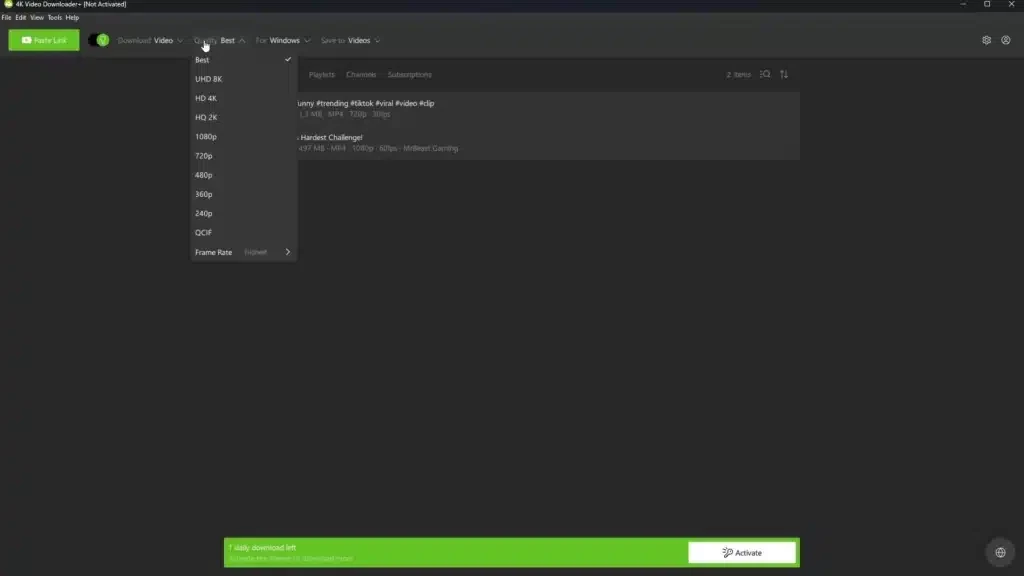
4K Video Downloader Plus 26.3.2 is a Windows program from Open Media for saving videos, playlists, channels and audio from video sites for offline viewing. It is the current generation of the company's downloader, with a free mode and paid licences that remove limits. You can download 4K Video Downloader Plus for Windows from 4kdownload.com.
| Item | Details |
|---|---|
| Version | 26.3.2 |
| Developer | Open Media |
| Platform | Windows (also macOS) |
| Licence | demo: free mode with limits, paid licences |
| Size | about 185.62 MB according to catalogue data |
| Download | official product page |
According to the developer's system requirements FAQ, Windows 11 is recommended for full compatibility and optimal performance. Windows 10 is still supported, but Microsoft ended official support on October 14, 2025, and the developer notes that it can no longer guarantee stable performance or complete security on systems that no longer receive updates.
You copy the address of a video, playlist or channel from your browser, paste it into the program and choose quality, format and subtitles. The downloader then saves the files to your PC, where you can watch them without a connection, for example on a flight or in a place with poor mobile coverage. Audio extraction makes it easy to keep lectures or podcasts as sound files. Smart modes remember your preferred settings so repeated downloads take one click. The Plus generation replaced the older 4K Video Downloader with a reworked interface; the company introduced a recent milestone in its blog post about version 26.2.0. The free mode comes with limits, and paid licences lift them; the product page lists the current differences.
Video platforms often forbid downloading in their terms except through their own offline features, and copyrighted content may only be copied with permission. Use the program for your own videos, content under free licences, or material the rights holder allows you to save.
The earlier 4K Video Downloader is also in our listings, along with yt-dlp, Stacher, ClipGrab and JDownloader.
SHAREit is a free Windows app from the SHAREit Team for moving photos, videos and documents between a PC and a phone. The current version is 5.1.0.7.

Zapya for Windows is a free file transfer app from DewMobile for moving files between a PC and phones over a local wireless connection.

Easy Connection to Screen is Samsung's Windows app for showing a PC's screen on a compatible Samsung TV over a wireless connection.

Internet Download Manager (IDM) is a shareware download manager for Windows from Tonec that accelerates, resumes and schedules downloads.

uTorrent (μTorrent) is a small BitTorrent client for Windows from Rainberry (BitTorrent Inc) for downloading and sharing files over torrents.

AnyDesk is a remote desktop application for connecting to and controlling another computer over the internet, from a small Windows program.

ShareMe is Xiaomi's free app for sending files between devices without a cable; on Windows the Android app runs only inside an emulator.

Xender is a free file sharing app from the Xender File Sharing Team for sending files between phones and computers over a local connection.